
01
One-Tap Tag Optimization
AI analyzes your entire tag system, identifies duplicates, recommends merging similar items, and optimizes hierarchy. From chaos to clarity in one click.
A local visual library for independent designers
AI automatically identifies duplicate tags, optimizes category structure, and merges similar labels. From chaos to clarity in one click.
One-Tap Tag Optimization
Semantic Search
Privacy First
Design Workbench
Turn scattered reference folders into a visual memory you can actually reuse.
Design Workbench
Local archive, AI-assisted structure
Tag cleanup suggestion
Merge “blue tech”, “tech blue”, and “futuristic blue” into one usable cluster.
Search intent
Search for “restrained SaaS landing page references” and narrow to useful material instantly.
Search intent
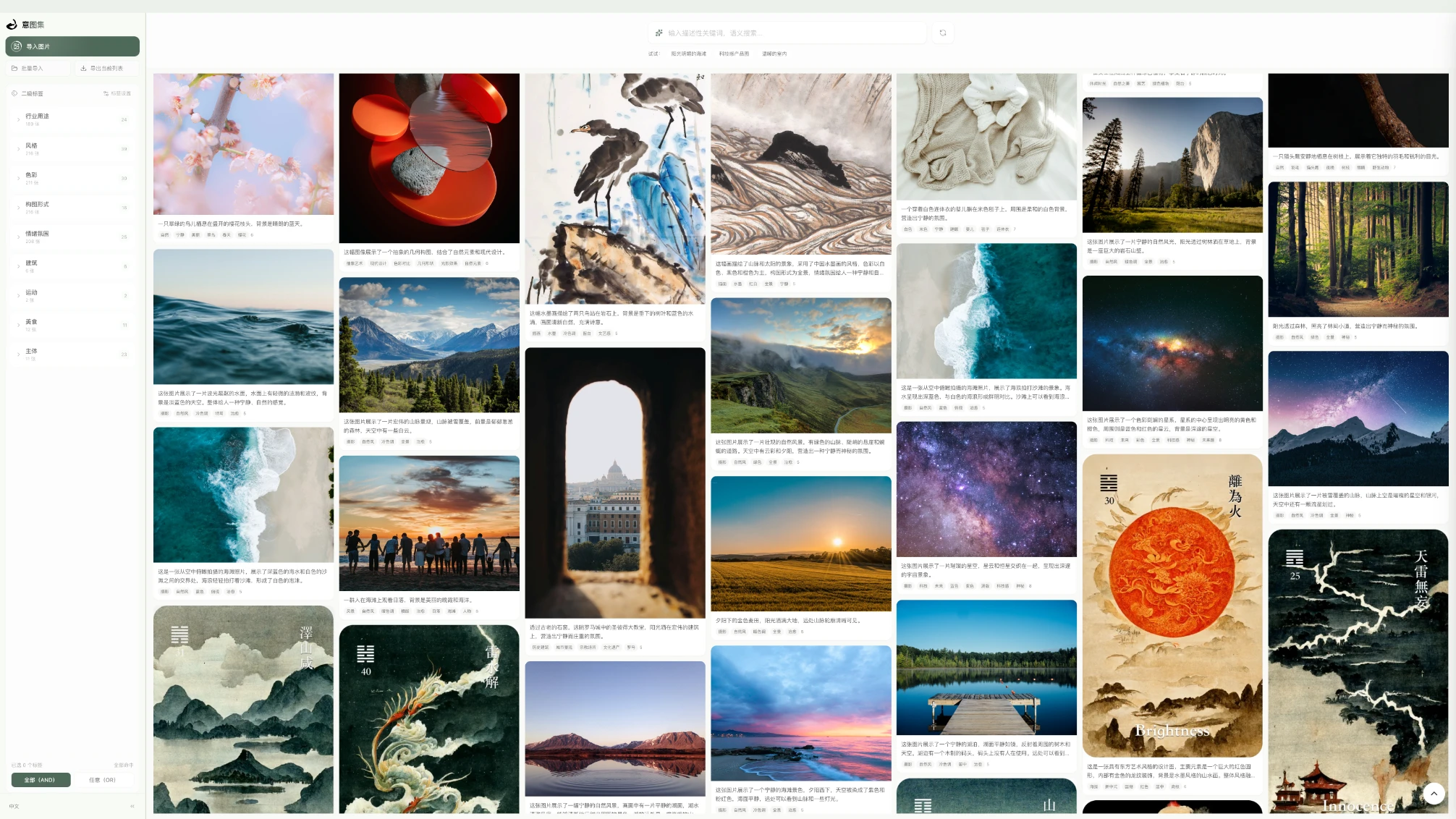
Import old projects, screenshots, moodboards, and rough drafts. InspiraDB first cleans up the tag structure, then makes search genuinely useful.
Core workflow
Five powerful capabilities that transform how you manage visual assets
AI analyzes your entire tag system, identifies duplicates, recommends merging similar items, and optimizes hierarchy. From chaos to clarity in one click.
Upload images and watch as AI automatically identifies content, generating precise tags organized by industry use, composition, and mood.
Search by intention, not keywords. 'Blue tech product hero shot' finds exactly what you mean, not just files with those words.
No internet required. Lightning-fast response times. Works on airplanes, in remote locations, anywhere you create.
Your images stay on your Mac. Indexed database is locally encrypted. Zero data transmission. Complete commercial confidentiality.
Import first, let AI handle the repetitive sorting, then keep the final decisions in your own hands.
Drag folders or single images. We support JPG, PNG, WebP, HEIC up to 50MB.
AI analyzes visuals and generates precise tags. Organized by industry use, composition, and mood — all in Chinese.
AI analyzes your entire tag system, identifies duplicates, recommends merges, and optimizes hierarchy. From chaos to clarity.
Describe what you need in natural language. Semantic search finds matches in milliseconds. Precisely locate what you need.
Built around creative recall
Find that 'minimalist login page from last year' in seconds. Build mood boards without folder hell.
500,000 photos organized by style, lighting, and subject. Client asks for 'similar to this' — find matches instantly.
Never lose a thumbnail idea again. Search 'bold typography red background' and get exactly that.
Ready to organize
Organize locally first, then search with AI. Built for designers and creators who revisit references constantly.
Import folders, single images, and keep refining tags by hand when the AI needs correction.
macOS 13+ • local-first storage • AI-assisted tagging